
Create Professional PDF Ebooks in Minutes
Generate stunning PDF ebooks with custom formatting, covers, and layouts. Perfect for downloads, lead magnets, and print-on-demand publishing.
Quick Answer
An AI PDF ebook maker turns your content into a professionally formatted, export-ready PDF document. It's a layer on top of an AI book writer: the AI writes the book first, then the PDF maker handles formatting, layout, and export. Inkfluence AI generates complete ebooks - outline, chapters, table of contents, page numbers, and AI cover design - then exports to a print-ready PDF in one click. PDFs are optimised for digital downloads, lead magnet delivery, and print-on-demand services like Amazon KDP and IngramSpark. You can also export to EPUB for Kindle or DOCX for further editing. Choose from 33 blueprint types (cookbooks, playbooks, guides, novels, workbooks, and more), write in 30+ languages, and go from idea to finished PDF in under 10 minutes. Free plan includes AI writing, cover design, and PDF export - no credit card required.

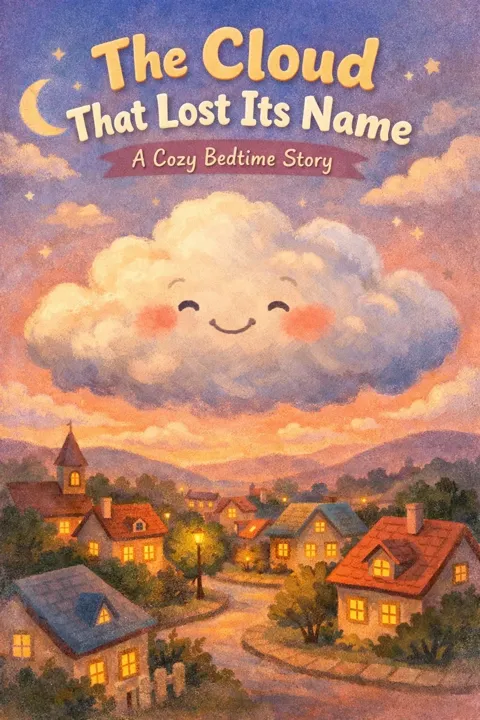
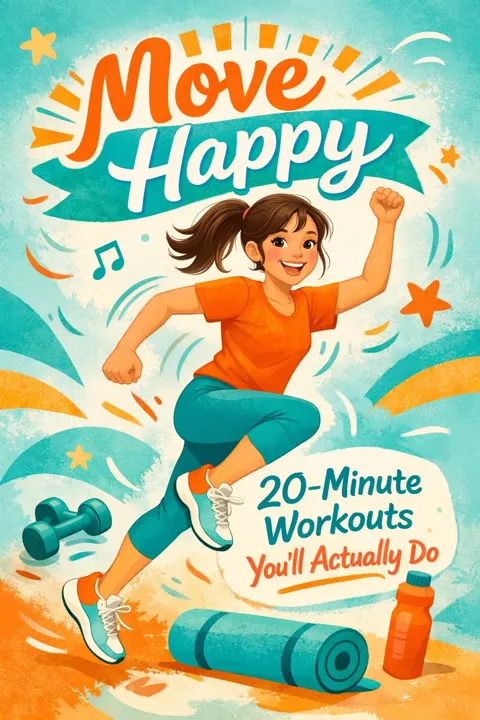
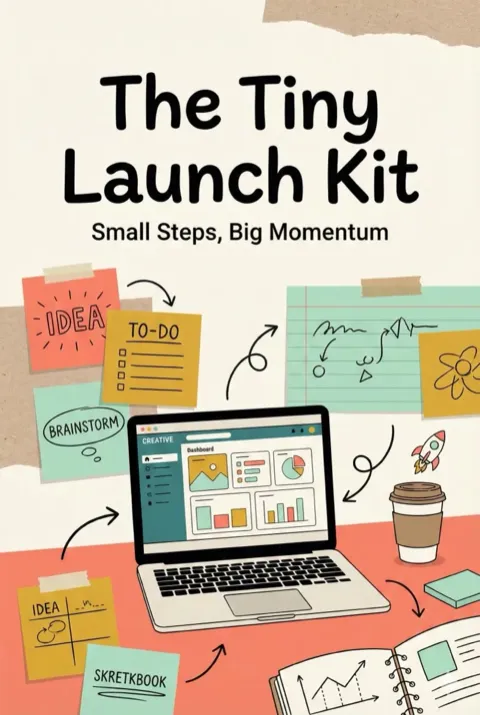
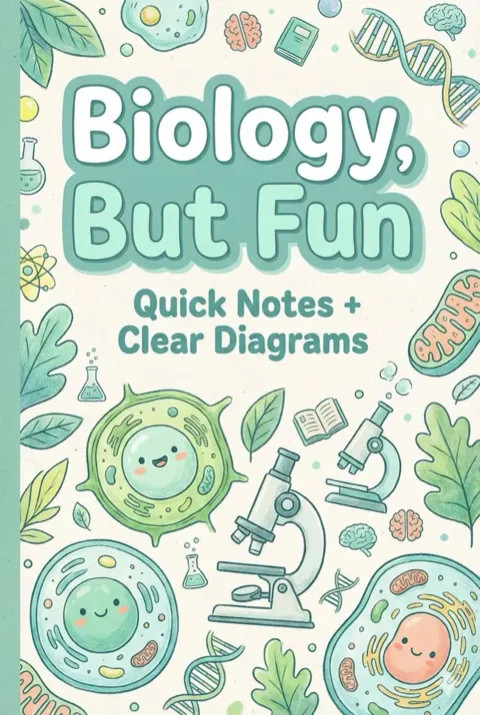
Generated books, ready to publish
A quick visual wall of real covers created with Inkfluence AI.


See what your finished PDF looks like
Flip through real books created and exported with Inkfluence AI
Loading preview...
How to Create PDF Ebooks with AI
From content to professional PDF in 4 simple steps
Add Content
Write manually or use AI to generate chapters instantly. Import from Word docs, Google Docs, or start from scratch.
Choose Layout
Select from professional PDF templates with preset formatting, or customize fonts, spacing, margins, and page design.
Customize Design
Add your cover, logo, colors, and branding. The AI applies professional formatting with TOC, page numbers, and headers.
Export PDF
Download optimized PDFs for web/email or high-resolution print-ready files. Perfect for any use case.
PDF Output Options

PDF Ebooks by the Numbers
Why PDF remains the most popular digital format for creators and businesses
PDFs created annually worldwide
of lead magnets are delivered as PDFs
average time to create a PDF with AI
cost to start creating PDF ebooks
The Manual Way
- Write content in Word or Google Docs (2-4 hours)
- Format headings, fonts, spacing manually (1-2 hours)
- Design cover in Canva, export separately (30 min)
- Fight with page numbers and table of contents (30 min)
- Export to PDF with broken formatting (repeat)
Total: 4-7 hours per ebook
With Inkfluence AI
- Describe your topic, AI writes it (2 min)
- Professional formatting applied automatically (0 min)
- AI generates a matching cover (1 min)
- TOC, page numbers, headers built in (0 min)
- One-click PDF export, perfectly formatted (1 min)
Total: under 5 minutes per ebook
Why Use Our PDF Ebook Maker?
Create professional PDFs faster and better than manual tools
The Inkfluence AI PDF ebook maker is the export layer of a full AI book writer and AI ebook maker. The same workflow generates your outline, writes your chapters, designs the cover, and exports the PDF or EPUB. If you start with prose written elsewhere, paste it in and the PDF maker handles formatting. If you start from an idea, the AI book writer handles both.
10x Faster Than Manual PDF Creation
Create polished PDFs in minutes instead of hours spent wrestling with Word, InDesign, or Canva. AI handles formatting, layout, and design automatically.
Professional Formatting Built-In
Every PDF includes proper margins, spacing, typography, headers, footers, page numbers, and table of contents. Looks like it was professionally designed.
Print-Ready & Web-Optimized
Export high-resolution PDFs for Amazon KDP and print-on-demand, or compressed PDFs for fast email delivery and website downloads.
Full Design Customization
Customize fonts, colors, layouts, cover design, and branding. Upload your logo, choose color schemes, and create PDFs that match your brand perfectly.
Password Protection & Security
Add password protection, disable printing, or restrict editing. Perfect for premium content, paid ebooks, or client deliverables requiring security.
Universal Compatibility
PDFs work on every device, browser, and operating system. Your ebook looks identical whether opened on Windows, Mac, iPad, or Android.
Create Professional PDFs in Minutes
Stop fighting with formatting. Let AI create polished, print-ready PDFs for you instantly. Built on the Inkfluence AI book writer engine.
Create Your PDF NowNo credit card required • Free plan available
Perfect PDF Ebooks for Every Purpose
PDF is the most versatile ebook format - use it for everything
Lead Magnets & Opt-in Guides
Create PDF guides, checklists, and resources to grow your email list. PDFs are the #1 format for lead magnets because they're easy to download and can't be edited.
Example: '10 ChatGPT Prompts for Marketing' - 8-page PDF lead magnet with branded design
Print-on-Demand Books
Export print-ready PDFs for Amazon KDP, IngramSpark, or local printers. High-resolution files with proper bleeds, margins, and CMYK color for physical publishing.
Example: '6×9 paperback with ISBN' - formatted for Amazon KDP with bleed settings
Digital Products to Sell
Sell PDF ebooks on Gumroad, Etsy, your website, or Shopify. Customers love PDFs because they download instantly and work on any device without apps.
Example: 'SEO Checklist for Small Business' - 25-page guide sold for $19
Client Deliverables & Reports
Create professional proposals, reports, workbooks, and deliverables for clients. PDFs look polished and can't be accidentally edited.
Example: 'Q4 Marketing Strategy Proposal' - branded client presentation
Course Workbooks & Materials
Provide PDF workbooks, lesson summaries, and resources for online course students. Easy to print, annotate, and keep forever.
Example: 'Week 1-4 Course Workbook' - printable exercises with answer keys
Internal Documentation & SOPs
Document processes, create employee handbooks, training manuals, or standard operating procedures. PDFs preserve formatting perfectly.
Example: 'New Employee Onboarding Guide' - 30-page company handbook
Who this is for
Who searches for an AI PDF ebook maker and what they're after
Six distinct intent clusters land on this page each month. Here's how the PDF ebook maker maps to each.
Brand searchers ("inkfluence ai", "inkfluence ai pdf generator")
People who already know Inkfluence and want the PDF ebook tool specifically. They get the full one-prompt workflow: the book is written and formatted, then exported as a print-ready PDF, EPUB, or DOCX.
PDF ebook creators ("ebook pdf creator", "ebook ai pdf", "ebook creator pdf")
People making an actual ebook in PDF form, not a generic document. The interior spread mockup and 4-step workflow show exactly what a finished PDF ebook looks like, from cover to chapter layout.
Import-and-format searchers ("ebook maker from pdf", "pdf to ebook converter ai")
People who already have a draft and just need clean formatting. The tool imports a PDF and re-exports it as a properly laid-out ebook, so existing writing gets a professional polish in minutes.
KDP self-publishers ("print-ready PDF", "6x9", "Amazon KDP")
Indie authors shipping paperbacks who need print-ready files. The output meets Amazon KDP print specs (6×9 trim, 0.125" bleed, 300 DPI, CMYK) so the PDF uploads cleanly without manual prep.
Lead magnet creators ("PDF lead magnet", "guide PDF", "branded PDF download")
Marketers and creators building branded opt-in guides. They get a polished, downloadable PDF with their own colors and logo, ready to deliver to a growing email list.
Course/workbook creators ("course PDF workbook", "client deliverable PDF")
Coaches and consultants producing workbooks and client deliverables. Unlimited PDFs at $9.99/mo replace per-book designer fees, saving $1,000-$7,500 a year for anyone shipping several books.
The bottom line
Inkfluence AI PDF Ebook Maker is an AI-powered tool that produces print-ready PDF ebooks from a written or AI-generated draft, with auto-generated Table of Contents, page numbers, drop caps, running headers and footers, and Amazon KDP-spec metadata (6×9 trim with 0.125" bleed, 300 DPI, CMYK colour). The free tier produces one branded PDF with no credit card; Creator at $9.99/mo unlocks unlimited PDFs plus EPUB and DOCX export. Compared to Canva Pro ($12.99/mo, manual layout templates with no AI content writing), Adobe InDesign ($22.99/mo, professional design suite with a steep learning curve), Designrr ($29/mo, repurposes existing content but won't write from scratch), Atticus ($147 one-time, manual formatting only with no AI), and freelance book designers ($300-$1,500 per book, with separate copywriting if needed), Inkfluence is the only mainstream tool combining AI content writing + auto-formatted layout + KDP-ready PDF/EPUB/DOCX export in a single $9.99/mo subscription. Indie authors shipping 3-5 ebooks per year save $1,000-$7,500 annually vs hiring per-book designers. Verified against vendor pricing in May 2026.
PDF Export Checklist for Pro Results
Use these steps to ship a PDF that looks polished on every device and prints cleanly.
Quick Quality Checks
- Verify title page, table of contents, and page numbers
- Check margins and spacing for mobile readability
- Ensure headings are consistent across every chapter
- Confirm images are sharp and properly aligned
- Export a compressed web PDF plus a print ready version
Improve Design Fast
Need inspiration or formatting ideas before you export? These guides help you level up quickly.
Read the professional ebook design guide, the ebook design best practices, our AI PDF tools roundup, and our free text-to-PDF converter comparison.
Export once, then tweak templates until the PDF feels premium.
"The PDF formatting is flawless. I publish on Amazon KDP and the files work perfectly every single time. Saves me hours."
- P.S., Self-Published Author
"I create lead magnet PDFs in 10 minutes now. The branding and layout look so professional - my list has grown 3x."
- N.B., Marketing Consultant
"Finally, a tool that creates professional PDFs without InDesign. The print-ready exports are perfect for physical books."
- C.W., Book Designer
AI PDF Maker vs. Traditional Tools
See why AI beats manual PDF creation every time
Most AI book writers like Sudowrite, Squibler, and Jasper produce prose only. They hand you raw text and leave formatting, cover design, table of contents, and PDF export as separate jobs in other tools. Inkfluence AI is the AI book writer with the PDF ebook maker built in, so the same workflow takes you from idea to print-ready PDF without bouncing between apps.
| Feature | Microsoft Word | Canva | AI PDF Maker |
|---|---|---|---|
| Professional Formatting | Manual setup | Template-based | ✓ Automatic |
| Print-Ready Output | Limited | Basic | ✓ KDP-ready |
| AI Content Generation | None | Paid add-on | ✓ Included |
| Table of Contents | Manual creation | Not available | ✓ Auto-generated |
| Time to Create | 2-4 hours | 1-2 hours | ✓ 10-20 minutes |
| Best For | Simple documents | Visual design | Professional ebooks |
Frequently Asked Questions
Everything you need to know about PDF ebook creation
How do I create a professional PDF ebook?
Can I create print-ready PDFs for physical books?
What's the difference between PDF and EPUB ebooks?
Can I customize the PDF design and formatting?
Are the PDFs optimized for file size?
Can I use PDF ebooks as lead magnets?
Is the PDF ebook maker the same as the full AI book writer?
Recommended reading
Helpful guides to format, design, and choose the right PDF workflow.
Explore More AI Tools
Complete your ebook creation workflow with our full suite of AI-powered tools.
AI Book Writer
Write complete books with AI - the full engine behind every tool here
AI Ebook Generator
Generate complete ebooks with AI in minutes
AI Ebook Maker
The whole book done: chapters, cover, and every export format
AI Audiobook Generator
Turn your ebook into an audiobook with AI voices
Ebook Creation Hub
Guides, templates, and resources for ebook success
AI Cookbook Generator
Create recipe books and digital cookbooks with AI
AI Novel Writer
Write fiction and novels with AI assistance
Workbook Generator
Create interactive workbooks and study guides
Outline to PDF & EPUB
Turn any outline into publish-ready files
Free AI PDF Creator
Free plan walk-through: 5 chapters, no watermark, commercial rights
Ready to Create Professional PDF Ebooks?
Join thousands of creators using AI to generate stunning PDF ebooks in minutes instead of hours.
Free to start • Print-ready output • Password protection • Commercial rights